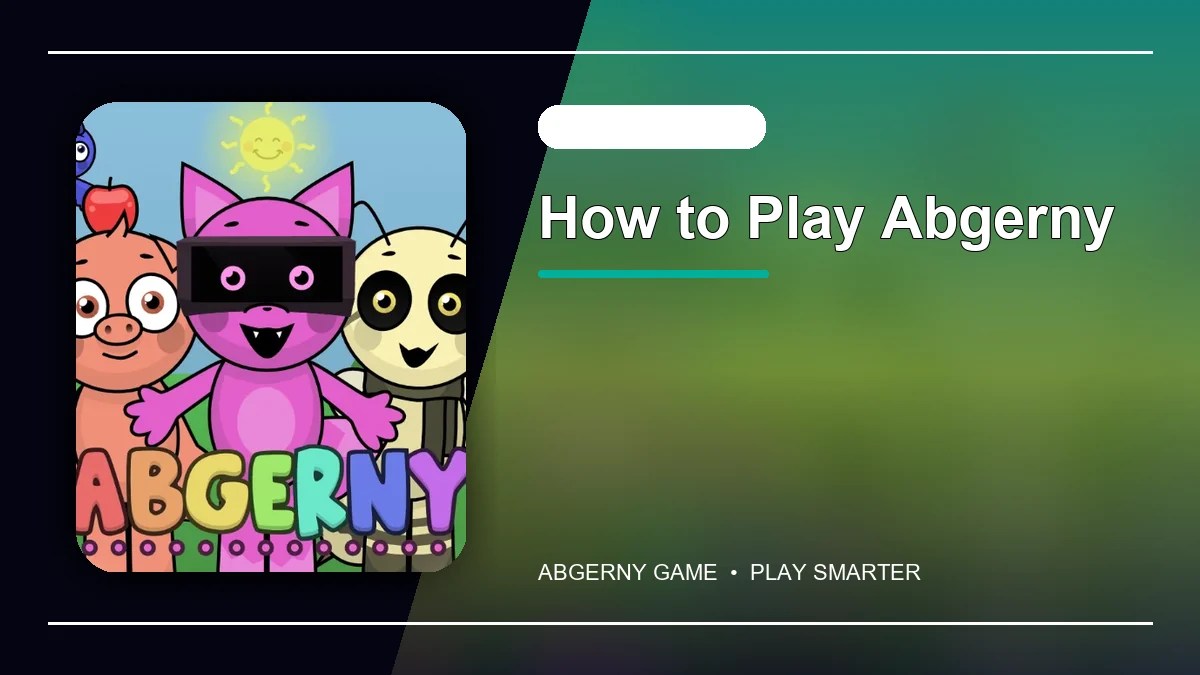
Start your first song
Open the game and choose one sound from the row of icons. Drag it onto an available character and listen to the loop before selecting the next performer.
- Begin with a beat.
- Add one melody or voice.
- Introduce effects after the rhythm is clear.
- Replace any layer that makes the mix feel crowded.
Understand the sound roles
Rhythm sounds establish the pulse, melodies provide the musical theme, voices add personality, and effects fill the space between the main parts. A good mix gives each role room to be heard.
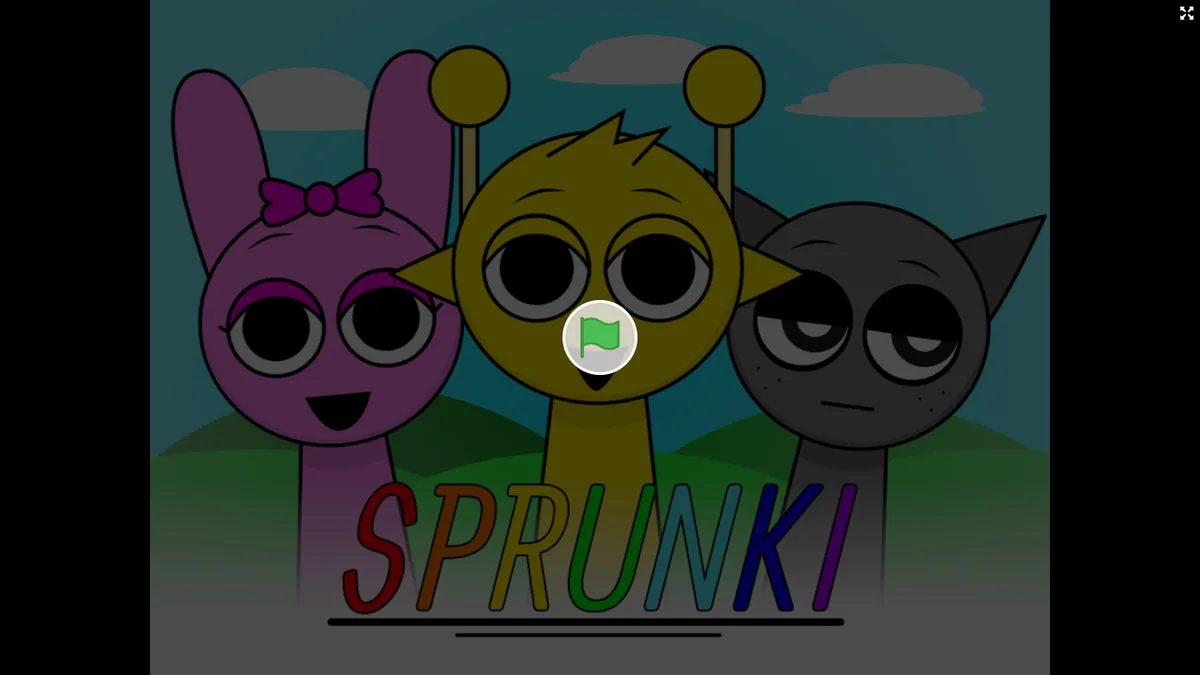
Create a cleaner mix
- Add one character at a time.
- Listen for loops that compete in the same frequency range.
- Use fewer sounds when the song becomes noisy.
- Try contrasting rhythms and melodies.
- Restart with a different beat to change the entire mood.
Play on a phone or tablet
Touch and hold a sound, move it to a character, and release it. Rotate the device to landscape mode when you need more room to see the full board.
Frequently asked questions
Do I need music experience to play Abgerny?
No. The loops stay synchronized, so beginners can experiment and hear the result immediately.
Why does my mix sound too busy?
Remove one or two effects or voices and keep a clear beat underneath the melody.
Can I start over?
Yes. Remove the active sounds or reset the game to begin with a new combination.
Does Abgerny work with touch controls?
Yes. Drag sound icons with one finger and use landscape orientation when the board needs more room.