What this guide covers
Compare a wider remake with a version focused more directly on movement and presentation. The goal is to help players make a useful choice or solve a real gameplay problem without requiring music-production experience.
A practical approach
- Compare the exact versions named on each page.
- Use the same number of performers.
- Separate visual preference from sound preference.
- Check device performance and touch behavior.
- Choose the version that fits your preferred complexity.
What to check before continuing
Where to go next
Use the related games and guides below to continue with a more specific version, device, or mixing goal.
Frequently asked questions
Does this advice work in every music-mixing game?
The core listening and layering method is widely applicable, while exact buttons and special modes can differ by game.
Do I need headphones?
They are optional, but headphones make quiet effects, bass parts, and stereo details easier to separate.
Should I fill every character slot?
No. A smaller arrangement often sounds clearer because every loop has more room.
Can I use these steps on mobile?
Yes. Use touch controls and landscape orientation when the game board needs additional horizontal space.
Rebuilt scope versus animation-led presentation
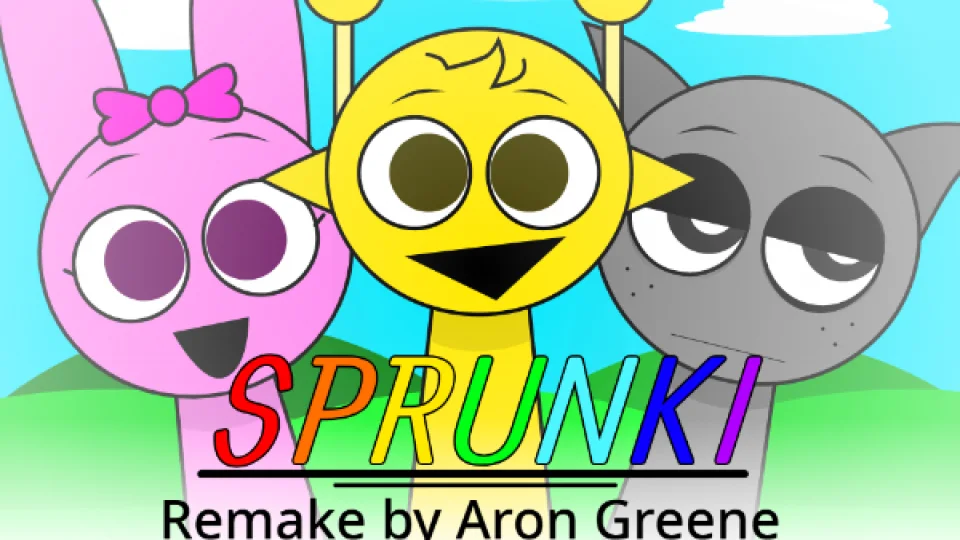
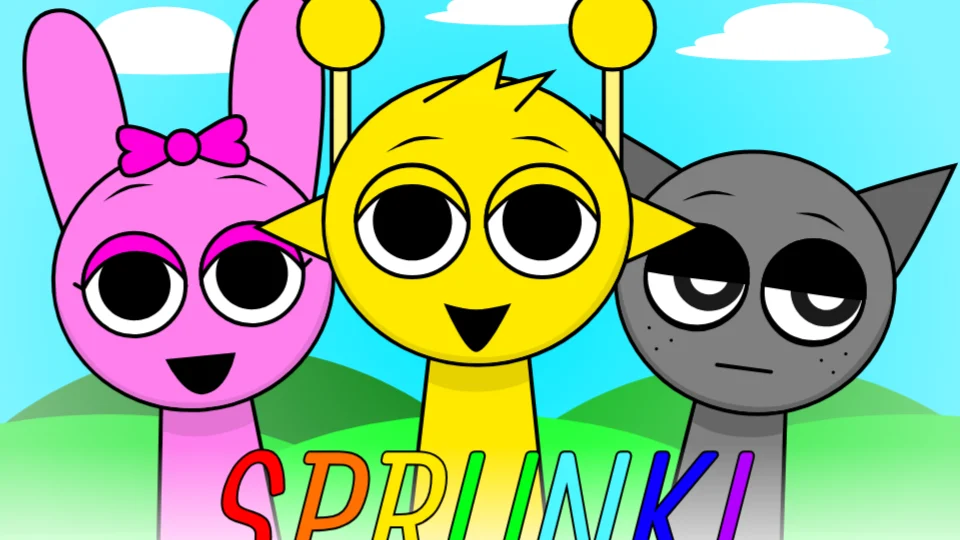
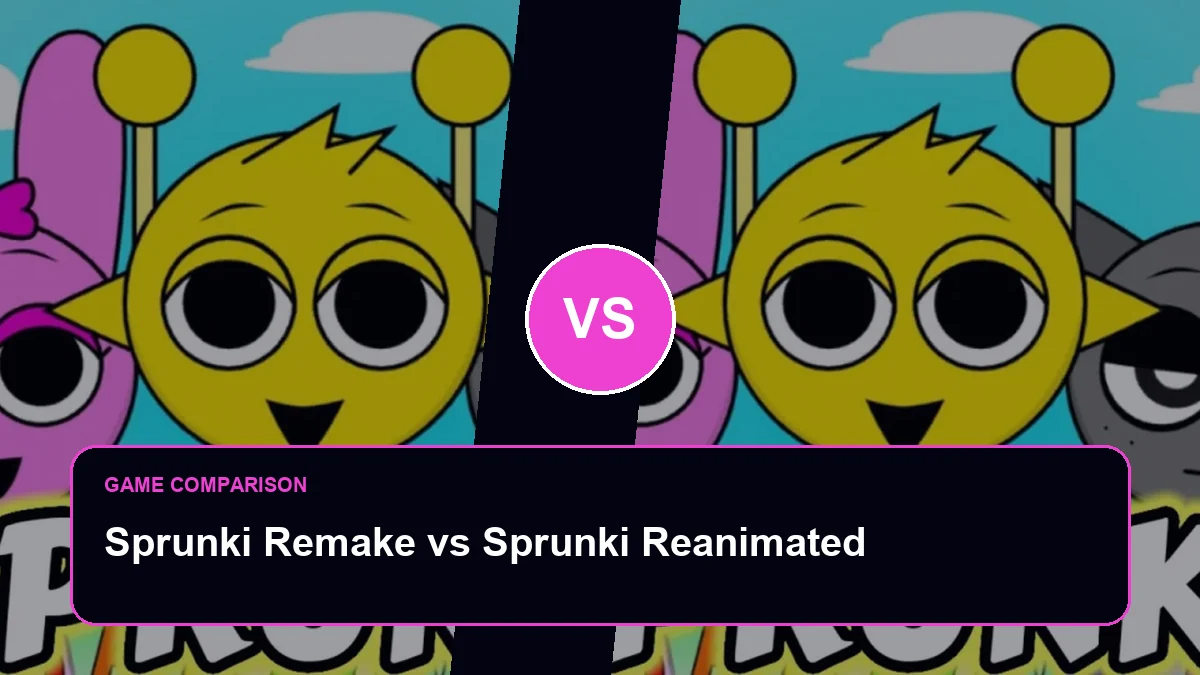
Sprunki Remake v0.5 presents a broader rebuilt treatment of the familiar format, whereas Sprunki Reanimated puts more emphasis on redrawn motion and presentation around the standard mixing loop. The titles sound similar, but they answer different interests. Choose Remake when you want to examine how the overall experience has been reconstructed; choose Reanimated when character movement and visual feedback are the reason for revisiting familiar sounds.
Separate what you hear from what you see
First build a four-role mix with the screen in view and note which character draws your attention. Then listen again while focusing only on the pulse, melody, and voice. In Reanimated, decide whether revised movement helps you identify timing and active roles or simply makes the scene livelier. In Remake, examine whether changes beyond motion—layout, roster behavior, sound treatment, or flow—alter how you assemble the mix.
Animation quality matters most when it communicates musical timing without obscuring controls. More movement can make an arrangement feel energetic, but it can also pull attention away from subtle sounds or reduce clarity on a small screen. A remake may offer wider changes, yet a version label such as v0.5 also signals that visitors should judge the available build rather than assume every planned feature exists.
Decision scenarios
Reanimated is the clearer pick for someone who already likes the standard loop and wants movement to make familiar performers feel fresh. Remake v0.5 suits a visitor evaluating a broader reinterpretation and willing to inspect changes beyond animation. On smaller screens, energetic motion should not hide active states or make controls harder to target; reduce the roster during comparison if it does. Version language is also a limitation: a numbered remake may evolve, so the page describes the locally available build and avoids promising planned content. The fair question is not which title sounds more complete, but which visible changes support the visitor purpose today—visual refresh, timing cues, wider reconstruction, or a more familiar route into making a mix.
Our conclusion
Pick Reanimated for a familiar mixing structure refreshed primarily through motion. Pick Remake v0.5 when broader reconstruction is more interesting than animation alone. Neither label guarantees a larger roster or deeper mechanics. The deciding test is whether the changed presentation helps you form a different, clearer, or more enjoyable arrangement rather than merely looking new beside the original.
Final review note
For accessibility, animation should never be the only signal that a performer is active. Check whether sound, position, or another visible state still communicates the selection. Reanimated gains value when movement clarifies timing, while Remake gains value when broader interface changes improve the complete workflow. If neither change affects the task, choose based on visual preference and keep the conclusion modest.
Use the same browser, screen size, and four-role recipe for the final decision so presentation differences are not confused with different test conditions.