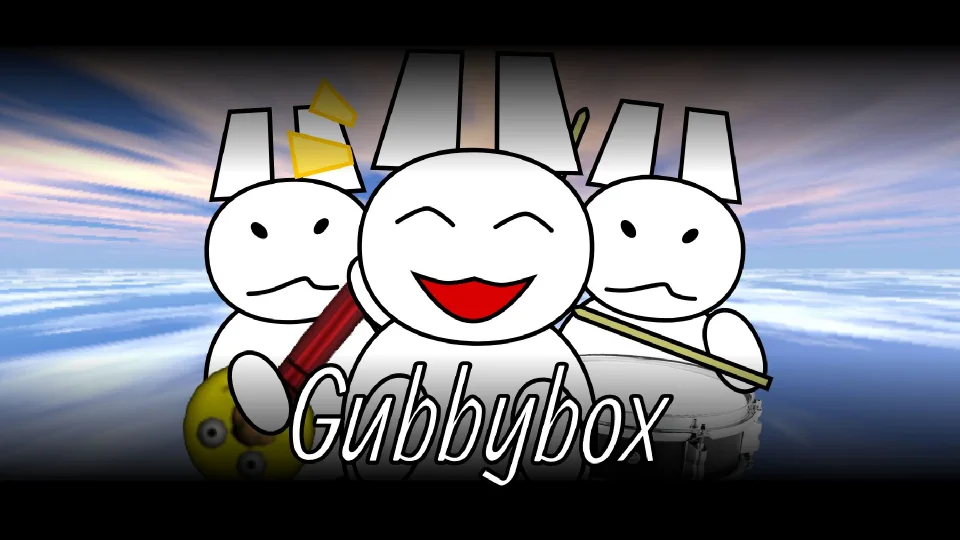
Gubbybox is a browser music-mixing game built around an original cast and sound set presented through the familiar Incredibox-style interface.
Music gameMouse and touchPlay here
Play Gubbybox
Start the game in your browser and switch to full screen at any time.
What is Gubbybox?
Gubbybox is a browser music-mixing game built around an original cast and sound set presented through the familiar Incredibox-style interface. Instead of asking players to follow a fixed song, the format turns each character into a musical part that can be added or removed while the mix is playing.
How to play Gubbybox
Start with one beat or bass loop.
Add a second rhythm only if it supports the first.
Introduce melody and voice parts one at a time.
Mute or remove a character to compare the mix.
Reset the board when you want a completely new arrangement.
Gubbybox controls
Mixing tips for Gubbybox
Use headphones to separate quiet effects from the main rhythm.
Keep one clear rhythmic anchor in every arrangement.
Compare a four-character mix with a full-stage mix.
Pair short percussion sounds with longer melodic loops.
Change one performer at a time so you can hear the difference.
Try unusual combinations after learning the most balanced roles.
Gubbybox FAQ
What kind of game is Gubbybox?
Gubbybox is a character-based music mixer where performers contribute looping beats, melodies, voices, or effects.
How do I start a song?
Place one rhythm sound first, then add characters gradually until the mix has the balance you want.
Can I use touch controls?Do I need music experience?How can I make a cleaner mix?
Learn Gubbybox through its own cast
Gubbybox uses a familiar character-mixer interaction but its original cast and sound set should be judged on their own. Begin by finding the performer with the clearest timing cue, then test melody and voice candidates against that pulse. Do not assume that a visually prominent character is the lead; compare the loop alone and with the beat before assigning its role.
A first mix to try
Create a four-part arrangement with one role from each major family: beat, bass, melody, and voice or effect. After two repeats, replace only the busiest part. This reveals whether the roster offers meaningful alternatives or merely more activity. On smaller screens, keep active characters visible and avoid rapid dragging that can make it unclear which sound was assigned.
Gubbybox is a good choice for players who like the Incredibox-style format but want unfamiliar personalities and combinations. It is less immediately predictable than a game based on a recognized cast, which is both its appeal and its learning cost. The session succeeds when the sound identity remains memorable after you stop relying on the character artwork.