Mouse controls
- Point to a sound icon.
- Hold the primary mouse button.
- Move the icon onto a character.
- Release the button to activate the sound.
Touch controls
Press a sound icon with one finger, drag it to a character, and release. Move slowly if the screen is small so the sound lands on the intended character.
- Use landscape orientation.
- Avoid dragging from the edge of the browser.
- Close other audio apps if the game is silent.
Change or remove a sound
Remove an active performer before placing a replacement when you want to hear the new loop clearly. Changing one layer at a time makes the difference easier to recognize.
Use full screen
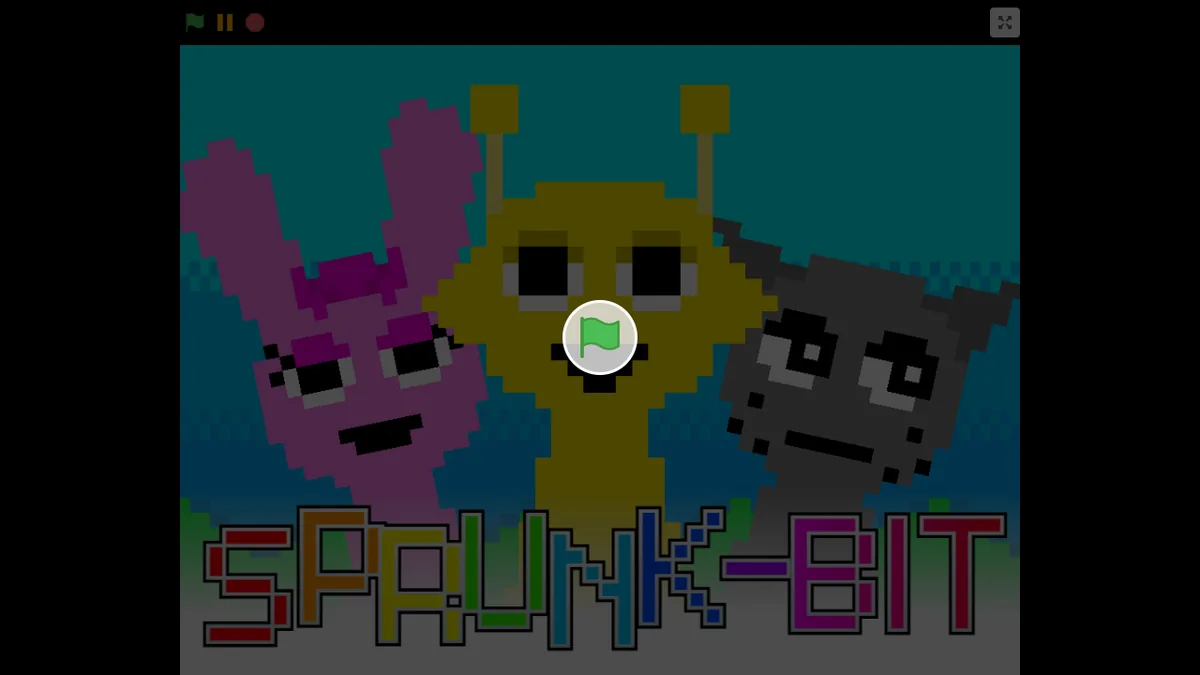
Launch the game first, then select the full-screen button at the lower edge of the player. Press Escape on a keyboard or use the browser back gesture to leave full screen.
Frequently asked questions
Can I play Abgerny on a Chromebook?
Yes. Use the trackpad like a mouse or play with the touchscreen when the Chromebook supports touch input.
Why is there no sound?
Interact with the game once to allow browser audio, then check the tab and device volume.
How do I leave full screen?
Press Escape on a keyboard or use the browser or device back control.
Why does dragging select the page instead?
Begin the drag from the center of a game sound icon and avoid starting at the browser edge.