What this guide covers
Compare bright and darker community presentations while separating visual changes from gameplay changes. The goal is to help players make a useful choice or solve a real gameplay problem without requiring music-production experience.
A practical approach
- Identify the exact version first.
- Compare the roster before the transformation.
- Listen for changed loops.
- Note whether controls remain the same.
- Treat community naming as version-specific.
What to check before continuing
Where to go next
Use the related games and guides below to continue with a more specific version, device, or mixing goal.
Frequently asked questions
Does this advice work in every music-mixing game?
The core listening and layering method is widely applicable, while exact buttons and special modes can differ by game.
Do I need headphones?
They are optional, but headphones make quiet effects, bass parts, and stereo details easier to separate.
Should I fill every character slot?
No. A smaller arrangement often sounds clearer because every loop has more room.
Can I use these steps on mobile?
Yes. Use touch controls and landscape orientation when the game board needs additional horizontal space.
How to compare the two presentations
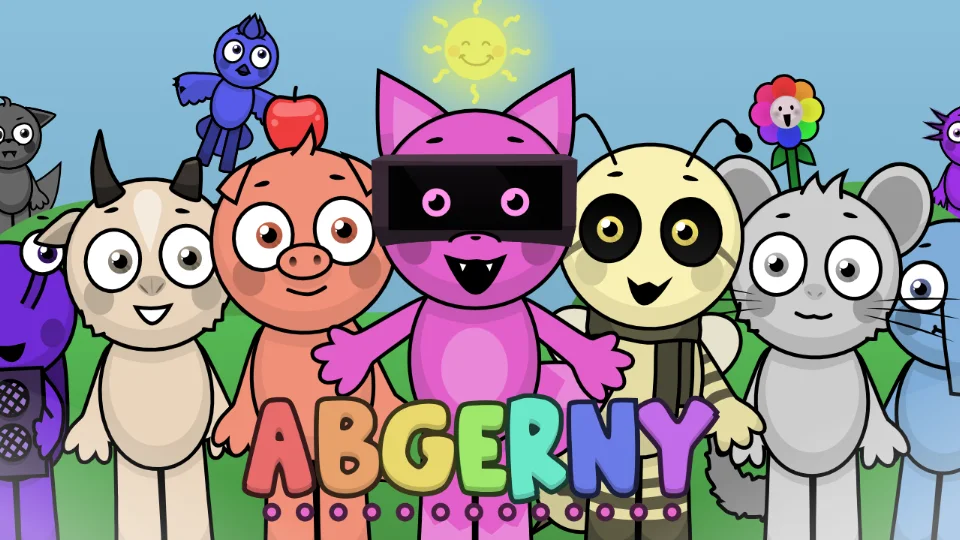
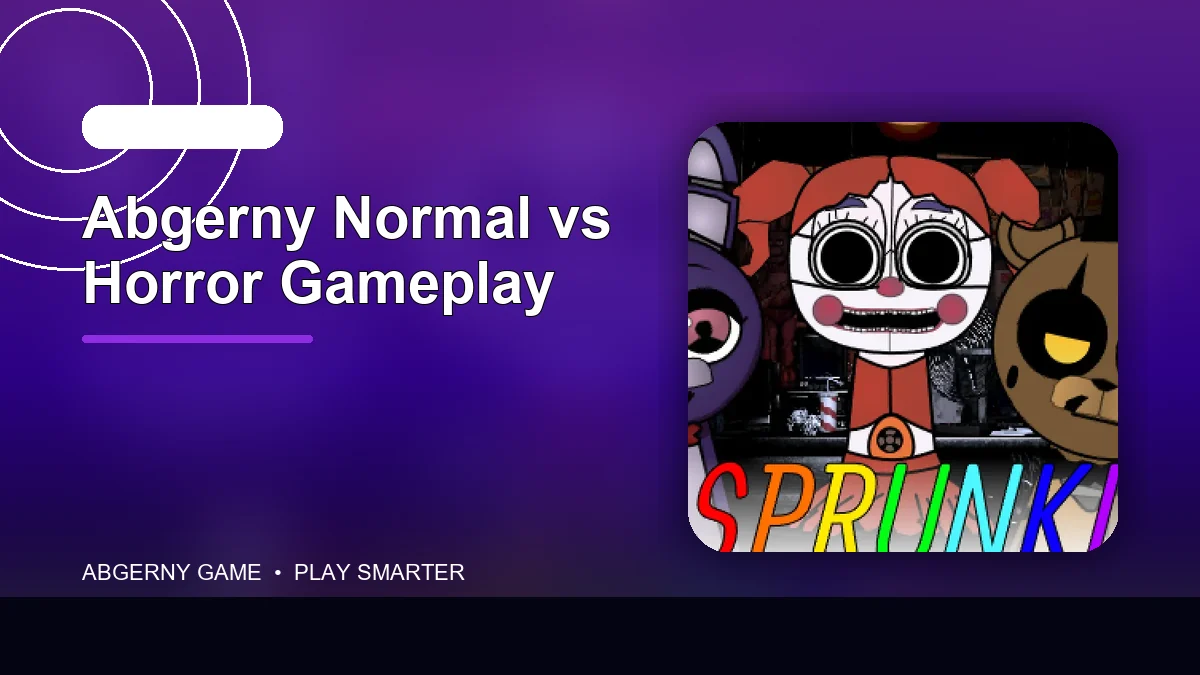
Use the same small character lineup in both presentations when possible. First compare whether the controls, loop timing, and sound roles remain familiar. Then separate visual changes—palette, expressions, animation, backgrounds—from musical changes such as altered voices, distortion, ambience, or percussion. This prevents a dramatic visual transformation from being mistaken for completely different gameplay.
The normal presentation is usually the clearer starting point for players who want to learn character roles, because visual cues are easier to read. A horror presentation is more useful when atmosphere and surprise matter more than immediate clarity. Neither is automatically deeper: the meaningful question is whether the alternate state changes the sounds and decisions, or mainly changes the mood. Visitors sensitive to sudden imagery or louder effects should begin with the normal state and change versions deliberately.
Compare the same mix across both states
Create a four-role arrangement in the normal state and note its pulse, lead phrase, supporting layer, and visual cues. Enter the horror or alternate state deliberately, then rebuild the closest functional roster. Record changes in artwork, animation, loop sound, timing, and controls separately so a dramatic visual shift is not mistaken for an entirely new musical system.
Begin at moderate volume because transformed phases can introduce sharper attacks or distortion. If the new state changes only appearance, describe it as an atmospheric variation. If performers acquire different loops, roles, or phase behavior, explain the new mixing decision. The page should not imply that every Abgerny copy or related game implements the same transformation.
Normal mode is the better default for learning and troubleshooting. The alternate state suits visitors seeking deliberate contrast and who are comfortable with its presentation. A useful conclusion identifies what changes, how to return, and whether the same core mix remains readable, rather than treating greater intensity as automatic improvement.