What this guide covers
Choose among Sprunkicat versions and keep the browser version clearly identified. The goal is to help players make a useful choice or solve a real gameplay problem without requiring music-production experience.
A practical approach
- Record the version number.
- Start with the newest stable build.
- Use classic builds for comparison.
- Expect large files to load slowly.
- Verify touch behavior after each update.
What to check before continuing
Where to go next
Use the related games and guides below to continue with a more specific version, device, or mixing goal.
Frequently asked questions
Does this advice work in every music-mixing game?
The core listening and layering method is widely applicable, while exact buttons and special modes can differ by game.
Do I need headphones?
They are optional, but headphones make quiet effects, bass parts, and stereo details easier to separate.
Should I fill every character slot?
No. A smaller arrangement often sounds clearer because every loop has more room.
Can I use these steps on mobile?
Yes. Use touch controls and landscape orientation when the game board needs additional horizontal space.
Identify the version before following a tip
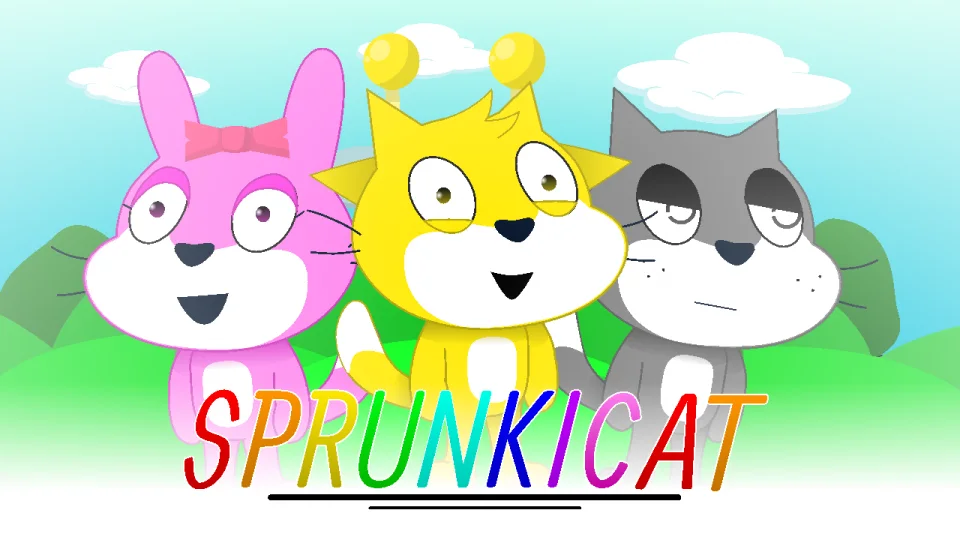
Check the title screen, character roster, and available sound icons before assuming that a screenshot or combination applies to the version in front of you. Fan-made versions can share a name while changing artwork, sounds, or the number of usable performers. A guide written for one build may still explain the general mixing idea but not the exact location of every control.
Use a simple compatibility check: confirm one character name or appearance, one distinctive sound icon, and the position of the reset or full-screen control. If two of those details differ, treat the instructions as conceptual rather than exact. This avoids repeatedly trying a combination that the current build does not contain. When reporting a problem, include the page URL and visible title-screen details so the issue can be matched to the correct version.
Compare Sprunkicat versions consistently
Select one Sprunkicat version as the baseline and build beat, bass, melody, and voice roles. Record the visible version name or page URL, then recreate those functions in the next variation. Compare roster, sound palette, animation, controls, and phase behavior separately instead of treating every changed image as a new mechanic.
Use the same device, volume, and active-character count. A larger project may expose more choices but also create longer loading or a more crowded mobile view. Keep one role fixed while testing alternatives so you can identify whether a version adds musical variety, thematic presentation, or both.
This method is important because community projects can have similar names and can change over time. The guide describes versions available through this site and does not claim that all external copies match. Choose the original-style reference for easier learning; choose a Sprunkicat variation when the cat theme and its specific sound or animation changes are the reason to return.